
.png?width=146&height=30&name=Unitedhealthcare-logo-1977-2020%20(1).png "Unitedhealthcare-logo-1977-2020 (1)")
LinkLive puts all the communication features you need in one place.
Below you will find all the information you need to start using our services, as well as frequently asked questions.



One Phone Number for All Your Business Communications
Inbound/Outbound Calls from your Phone, Tablet, or Desktop

Record Incoming Calls Automatically for CMS Compliance
Getting Started
.svg "Group 2270 (1)")
Mobile App Training Videos
Mobile App Training (NEW)
Login to Mobile App
Managing Contacts
Log out of Mobile App
Access Call History
Inbound Cellphone Calls
Outbound Cellphone Calls
Answer Calls in Mobile App

Desktop App Training Videos
Settings and Notifications
Multi-Factor Authentication (MFA) (NEW)
Need help getting to your new LinkLive login?
Input your UnitedHealthcare email address to access your unique LinkLive login.

Promote Your New Number
Please use your new LinkLive number on your website, email signature, social media, promotional material and anywhere else you promote your services as a broker.
FAQ
Welcome to the comprehensive guide on CMS (Centers for Medicare & Medicaid Services) call recording for Medicare brokers. In this informative resource, we explore the importance of call recording in the context of Medicare brokerage, focusing on compliance requirements and quality assurance measures.
Medicare brokers play a crucial role in assisting beneficiaries with navigating the complex world of Medicare plans. As regulations and compliance standards continue to evolve, it is vital for brokers to adopt reliable call recording systems to ensure adherence to CMS guidelines and maintain the highest level of service.
Your private group is in the URL where you log in, so if the login url is uhcmrb13.linklive.app, your private group is uhcmrb13.
If you're accessing LinkLive from the mobile app, you can request your private group below.
LinkLive allows you to meet with your customers on a secure recorded line.
Please note that in order to use LinkLive’s secure call recording and retention service, you need to first activate your account using the link that’s provided to you in the email from Revation (use Chrome, Safari, or Edge).
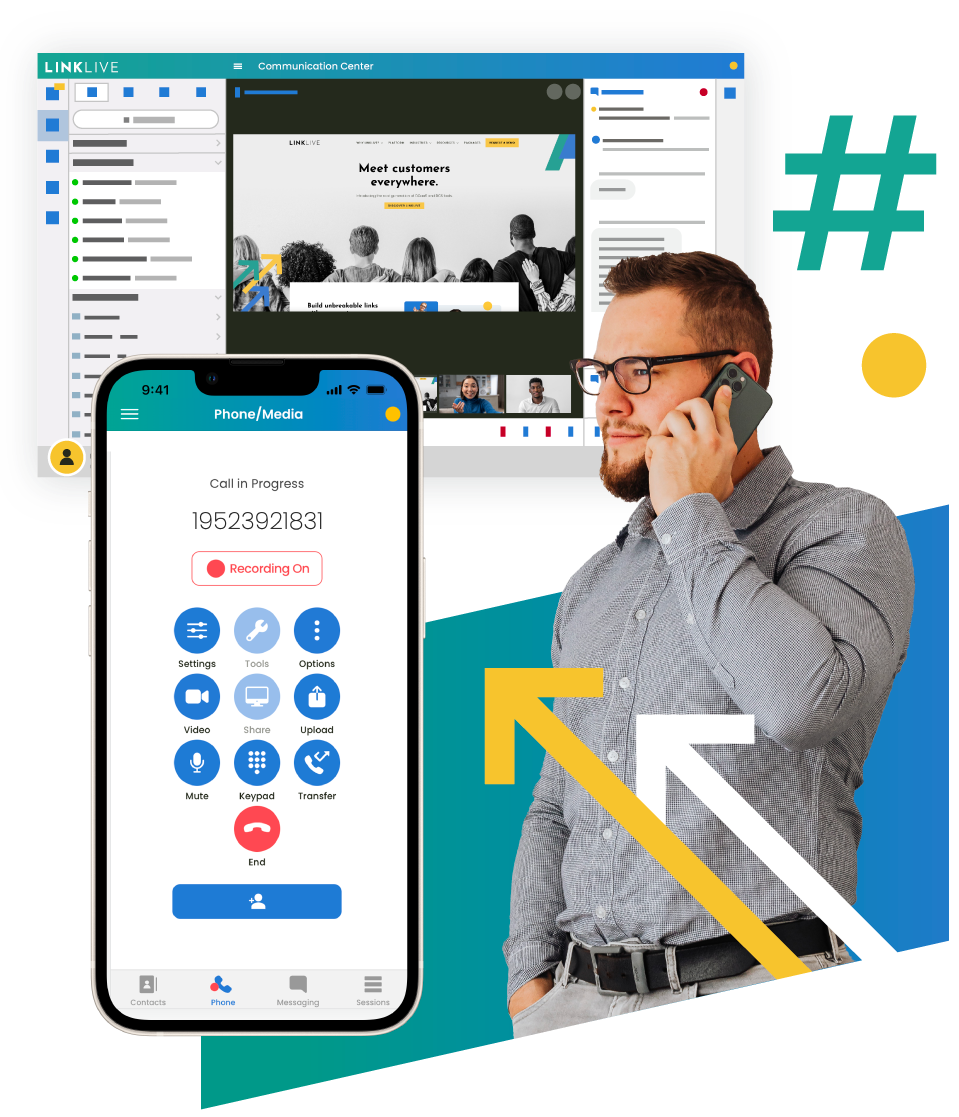
For all inbound calls, if a caller uses your secure LinkLive phone number, the call will be automatically recorded. Simply answer the call as you normally would.
If a caller is not using the recorded line, you have three options:
- Merge the current call with your secure LinkLive line (see below for instructions on how to merge calls).
- Return the call using the LinkLive URL (see below for outbound recordings).
- Ask the caller to call back using your secure LinkLive phone number.
For all outbound calls, use a web-based browser (e.g., Chrome, Safari, or Edge) to log into LinkLive. When logged in, simply dial the outbound number and your call will be recorded automatically.
To record a call on your mobile phone, you can follow these steps:
If you have a non-recorded call in progress, begin the call recording by clicking the “add a call” button on the keypad and dial your LinkLive secure line. After connecting with your LinkLive line, click “merge calls” and continue the conversation. At this point, recording has started.